
QR code menus and ordering at the table: a practical guide for restaurants
Some guests love scanning a QR code and ordering from their seat. Others hate it. Both are right – it depends on how it's done. This guide covers what we've learned setting up table ordering: what it's good for, what to print, and how to keep the guests who'd rather talk to a person.
Eatzino team · Updated

Menu-only QR codes vs. ordering at the table
There are two very different things people call a "QR menu":
- A QR code that opens a PDF. The guest scans, waits for a file, zooms around a scanned paper menu, and then still has to wave for someone to take the order. This is the version guests complain about.
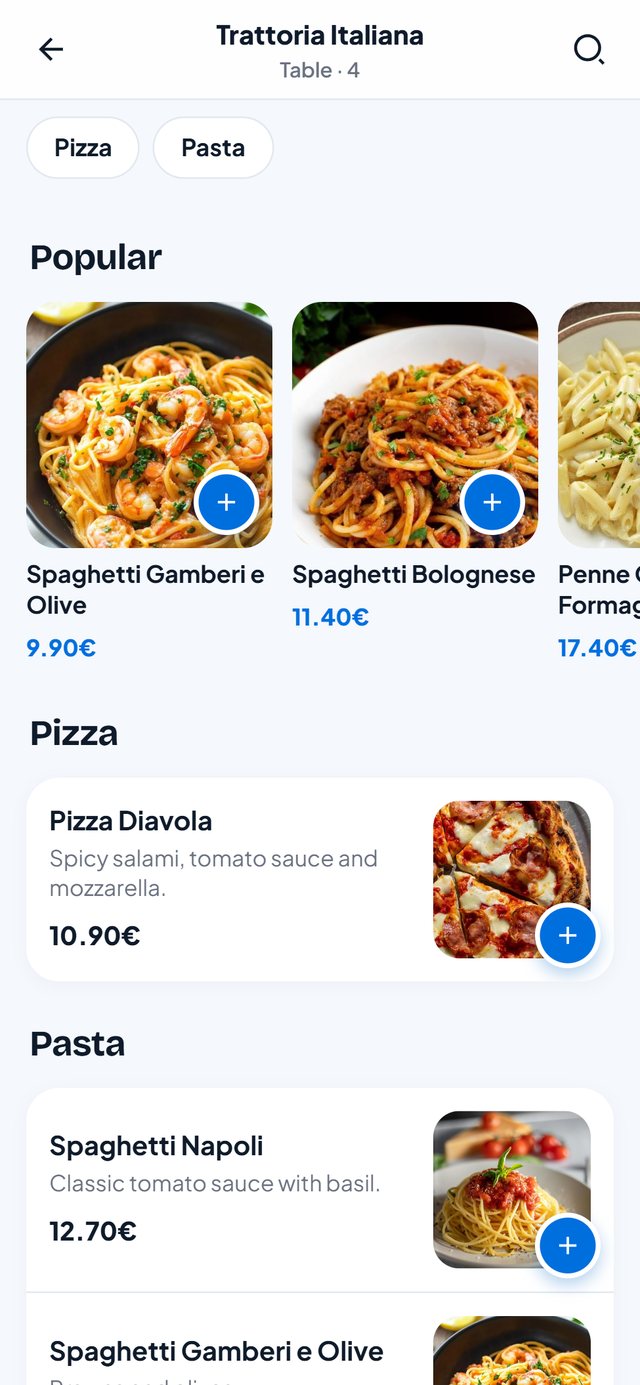
- A QR code that opens an ordering page for that table. The guest sees the menu with photos, adds dishes to a basket and sends the order straight to the kitchen – with the table number attached. They can call the waiter or ask for the bill from the same page.
Only the second one changes anything about how your restaurant runs. The rest of this guide is about that.
When table ordering pays off
Table ordering is most useful when your staff are the bottleneck:
- Busy peaks – lunch rush, Friday nights – when guests wait to order rather than wait for food.
- Second rounds. Drinks and desserts are the orders that get lost when nobody comes by. A guest who can order another round from their phone simply does it.
- Large tables and groups, where taking twelve orders by hand takes a long time and goes wrong easily.
- Beer gardens, terraces and big rooms where the walk to the far tables is long.
- Guests who don't speak the local language. A menu in their language, with photos, beats pointing at a laminated card.
It is less useful in fine dining, where the conversation with the waiter is part of what guests pay for. There a QR code for the drinks list or the bill may be enough.
What guests dislike – and how to avoid it
- "I have to download an app." Never make them. A good QR menu opens in the phone's browser in a second.
- "I have to create an account." Ordering at the table shouldn't need a login or an e-mail address.
- "Nobody talks to me any more." Table ordering should take routine work off your staff, not replace hospitality. Keep greeting guests and keep the call-waiter button.
- "My phone is dead / I don't use smartphones." Always keep a few printed menus and be happy to take the order by hand.
- Prices that don't match. The QR menu must show the same prices as the printed menu and the board.
Where to put the codes – and how big
- One code per table, so every order arrives with the right table number. A single code at the door can only show the menu, not take table orders.
- On a table stand or sticker facing the seat, not under the salt shaker. A code printed at roughly 3–4 cm is easy to scan from a seated position.
- A short line of text next to it – "Scan to see the menu and order" – plus your Wi-Fi if you offer it. People scan more when they know what will happen.
- Test every single code with an older phone before service. A swapped sticker sends the food to the wrong table.
The rules still apply in a digital menu
A QR menu doesn't change your duties. Prices must be final prices including VAT, and allergen information has to be available to every guest – including guests who don't scan the code. The safe way: keep a printed allergen overview at the counter and tell your staff where it is. Check the rules for your country; this guide is not legal advice.
How it works in Eatzino
The Eatzino QR table menu is part of every package:
- In your partner dashboard, under Tables, you add your tables and areas. Every table gets its own QR code to print.
- Guests scan with the phone camera. They see your restaurant, the table number, and four buttons: view menu and order, call the waiter, your bill, feedback – plus your Wi-Fi password to copy.
- The menu has category tabs, popular dishes, photos and a search. Guests add dishes, write a note for the kitchen and send the order.
- The order arrives on the same order board and in the POS as all your other orders – marked with the table. A second round from the same table goes onto the same open bill.
- Guests follow their order's status on their phone and see their bill.
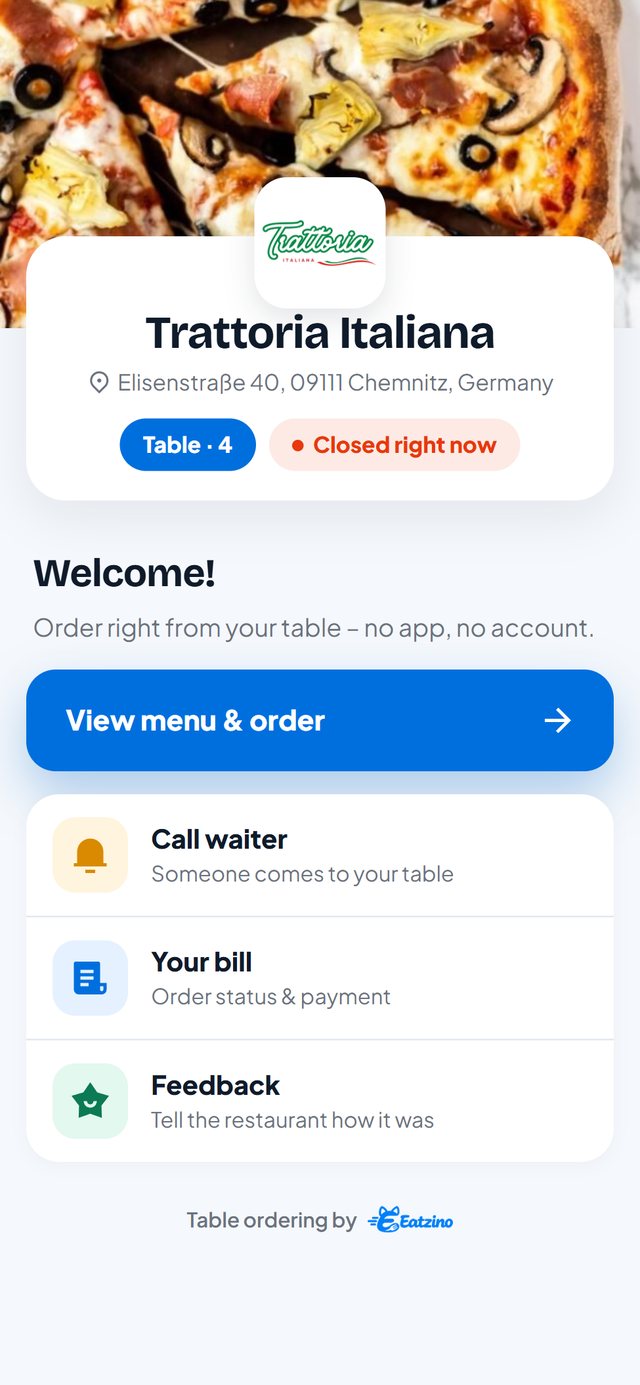
The menu is in English and German, follows the language of the guest's phone, and hides a dish the moment you switch it off. There is no commission on table orders either.
Thinking about online orders too? Read our honest comparison of delivery apps and your own ordering system.
Questions and answers
Do guests need an app to use a QR code menu?
No. A good QR menu opens in the phone's browser. Eatzino's QR menu needs no app and no account.
Do guests pay through the QR menu?
With Eatzino guests see their bill on the phone and pay at the table or at the counter as usual. Online card payment is in preparation.
Should I get rid of printed menus?
No. Keep a few printed menus for guests who prefer them or don't have a phone with them, and keep allergen information available on paper.
How big should a QR code on a table be?
Around 3–4 cm across is comfortable to scan while seated. Test every code with an older phone before you put it out.
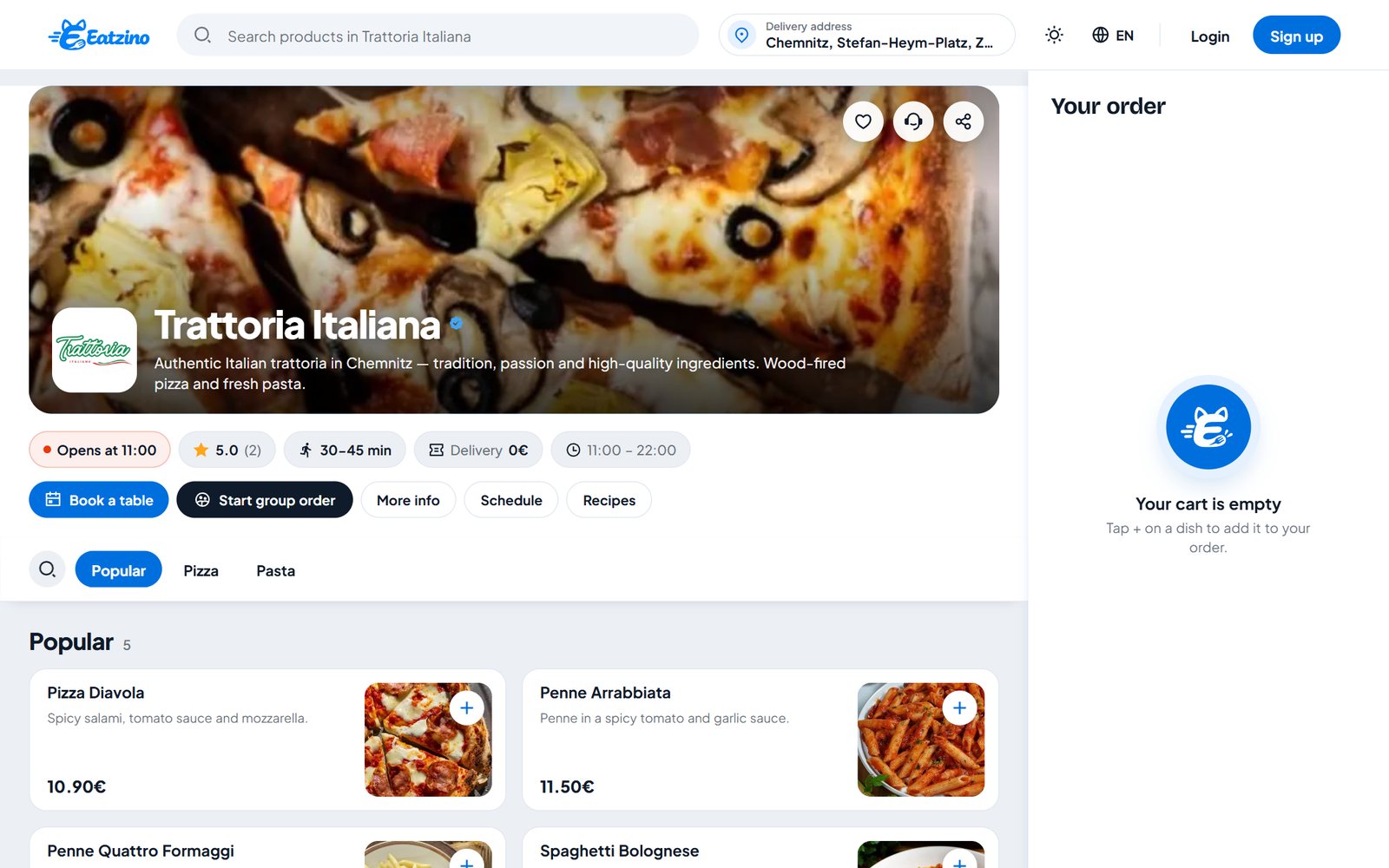
Lieferando, Wolt, Uber Eats or your own ordering system? An honest comparison
Reach, costs, delivery, payment and who owns the guest: how the big delivery marketplaces compare with your own commission-free ordering system – including where we fall short.
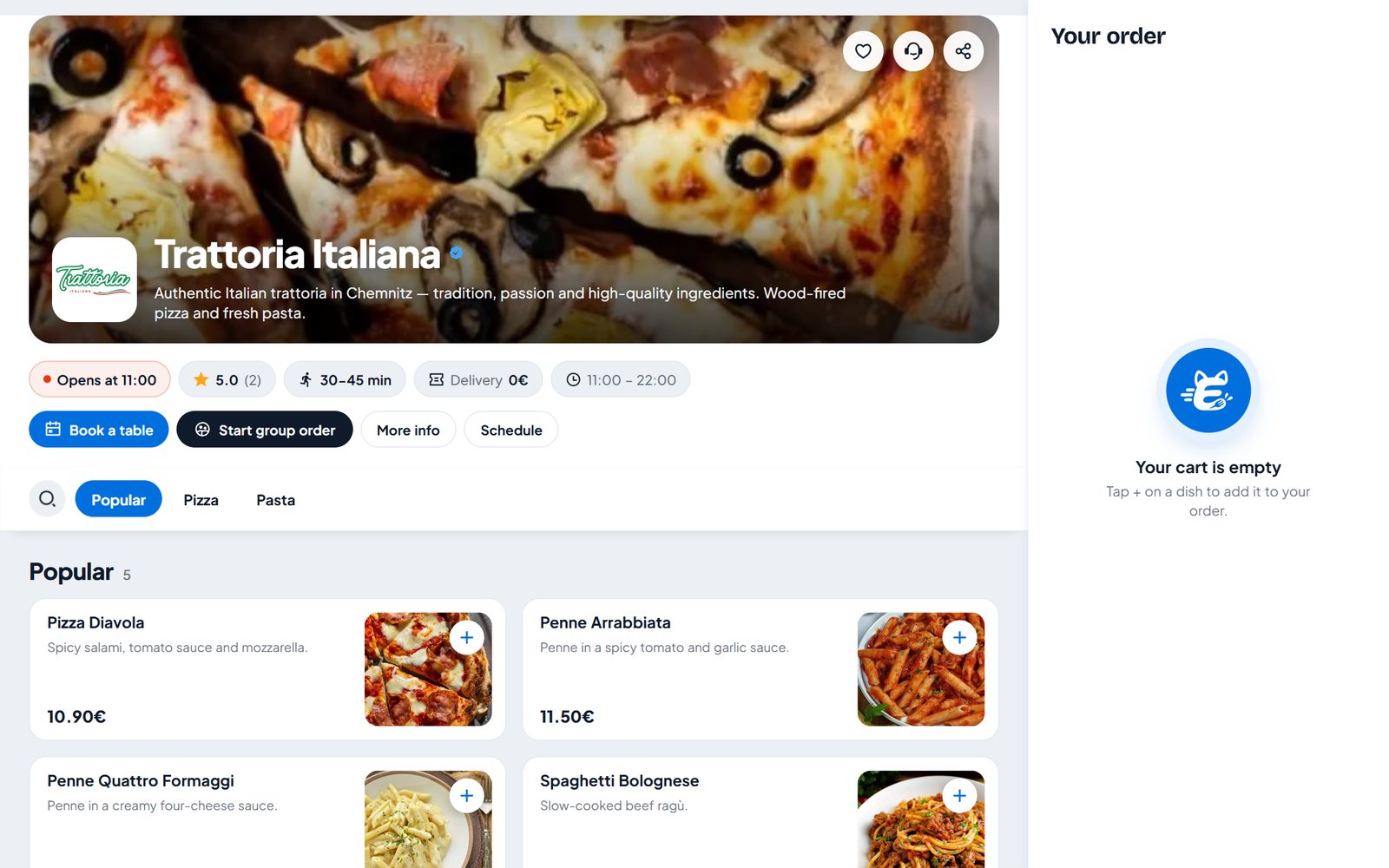
How to add online ordering to your restaurant website (WordPress, Wix and plain HTML)
Step by step: put an order button or your full menu on your own restaurant website – with WordPress, Wix, Squarespace, Jimdo or one line of HTML. Without commission.