
How to add online ordering to your restaurant website (WordPress, Wix and plain HTML)
People who visit your restaurant's website already know you. They've searched for your name, looked at your photos and want your food. Sending them off to a delivery app at that moment means paying commission on a guest you found yourself. This guide shows how to let them order right on your site.
Eatzino team · Updated

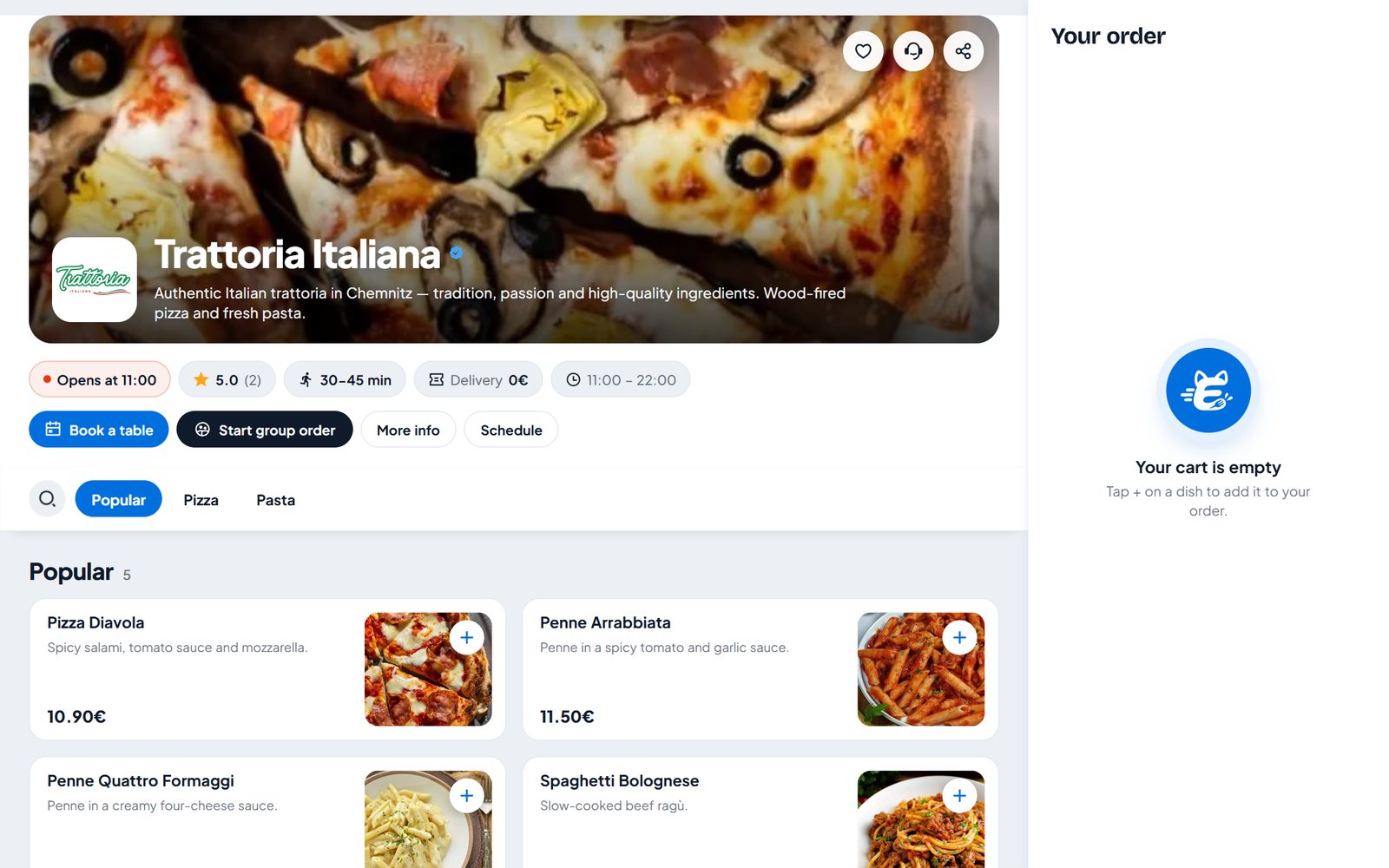
Why order on your own website?
Look at where your website visitors come from: mostly from Google searches for your restaurant's name, your Google Business Profile, Instagram and the flyer in last week's delivery bag. These are warm guests. If your "Order online" button sends them to a marketplace, three things happen:
- You pay the marketplace's commission on a guest you brought in yourself.
- The guest sees your competitors' offers right next to yours.
- Next time they open the app, not your website.
An order button on your own website keeps the order, the guest and the brand with you.
The three ways to show ordering on a website
1. A floating button. A round "Order online" button in the corner of every page. One click opens your menu in a window on top of the site. The simplest option and right for most restaurants.
2. Your own buttons. You already have a nice "Order now" button in your theme? Point it at ordering instead of an extra floating button. This keeps your design exactly as it is.
3. The menu inside a page. Your full menu, with photos and cart, embedded in a page of its own – for example on a "Menu" page. Good for restaurants whose website is mainly their menu.
You can combine them: a floating button on every page and the full menu on the menu page.
What you need before you start
- Your restaurant set up in an ordering system, with menu, prices, opening hours and delivery area. In this guide we use Eatzino; the steps are similar for other systems.
- Your restaurant number – in Eatzino it is under Website ordering in the partner dashboard.
- Access to your website's admin area.
WordPress
WordPress is the easiest case because there is a plugin.
- Download the Eatzino Online Ordering plugin (or use the download link in your partner dashboard).
- In WordPress go to Plugins → Add New → Upload Plugin, choose the zip file and activate it.
- Open the new Eatzino item in the WordPress menu, paste your restaurant number or the link to your Eatzino page, and save.
- The floating button appears on your site at once. For more, use the shortcodes or blocks:
[eatzino_order_button]     an order button where you put it
[eatzino_menu]             your full menu inside the page
[eatzino_menu_list]        a text menu that search engines can read
[eatzino_hours]            your opening hours
[eatzino_reservation]      the table booking form
If you build your pages with Elementor, you'll find the same parts in the "Eatzino – Restaurant" widget category. The plugin's overview page shows a short to-do list – connected, button placed, menu section, opening hours – so you can see what's still missing. The plugin updates itself.
Tip: if your website uses a caching plugin (LiteSpeed, WP Rocket and others), the plugin clears the cache when you save the settings, so the button shows up right away.
Wix, Squarespace, Jimdo and other website builders
Website builders don't accept plugins, but most have a field for your own code – usually under Settings → Custom code or in an "Embed / HTML" element. On some builders this is only available in paid plans.
Paste this line into the site-wide custom code (in the footer or "end of body") and replace the number with your restaurant number:
<script src="https://eatzino.com/embed.js" data-shop="YOUR-NUMBER" async></script>That's the floating button. If your builder has no custom code option, add a normal button that links to your Eatzino restaurant page. It doesn't open as a window, but it works everywhere and still costs you no commission.
Plain HTML or your own developer
Add the same line before the closing </body> tag. To use your own buttons instead of the floating one, give them the attribute data-eatzino-order (or the link #eatzino-order):
<a href="#eatzino-order">Order online</a>
<div data-eatzino-menu data-height="800"></div>
The second line embeds the full menu. For developers there is a small JavaScript API (EatzinoWidget.open(), cart events) – it's documented on the Website ordering page in the partner dashboard.
Check that it really works
- Open your website on your phone, not only on the computer. Most orders come from phones.
- Tap the button, add a dish, go to checkout. Ordering continues in a new tab, because browsers don't allow logins inside embedded windows.
- Check that the button doesn't cover your cookie banner or chat bubble.
- In the Eatzino partner dashboard, enter your website address under Website ordering → Check your website. It shows whether the button is installed and connected to your restaurant.
Make sure people use it
A button nobody sees doesn't get orders. Once it works:
- Set the "Order online" link in your Google Business Profile to your website or your Eatzino page – that is where many guests look first.
- Put the link in your Instagram and Facebook bio.
- Mention it on the flyer in every delivery bag from the apps: "Order direct next time."
- Add a QR code on the counter and the receipt.
Thinking about costs first? Here's what delivery app commission adds up to over a year. Coming from GloriaFood? Read our switch plan.
Questions and answers
Do I need a developer to add online ordering to my website?
No. On WordPress you install a plugin; on Wix, Squarespace or Jimdo you paste one line into the custom code settings. If your builder doesn't allow code, a normal button linking to your ordering page works too.
Will an ordering widget slow down my website?
The Eatzino script loads asynchronously and only opens the menu when a guest clicks, so it doesn't block your page from loading.
Is online ordering on my own website good for SEO?
It helps indirectly: guests stay on your site, and with the WordPress shortcode [eatzino_menu_list] your menu is also on the page as text that search engines can read.
What does it cost?
With Eatzino there is no commission per order. The website button is part of every package, from €79 a month plus VAT.
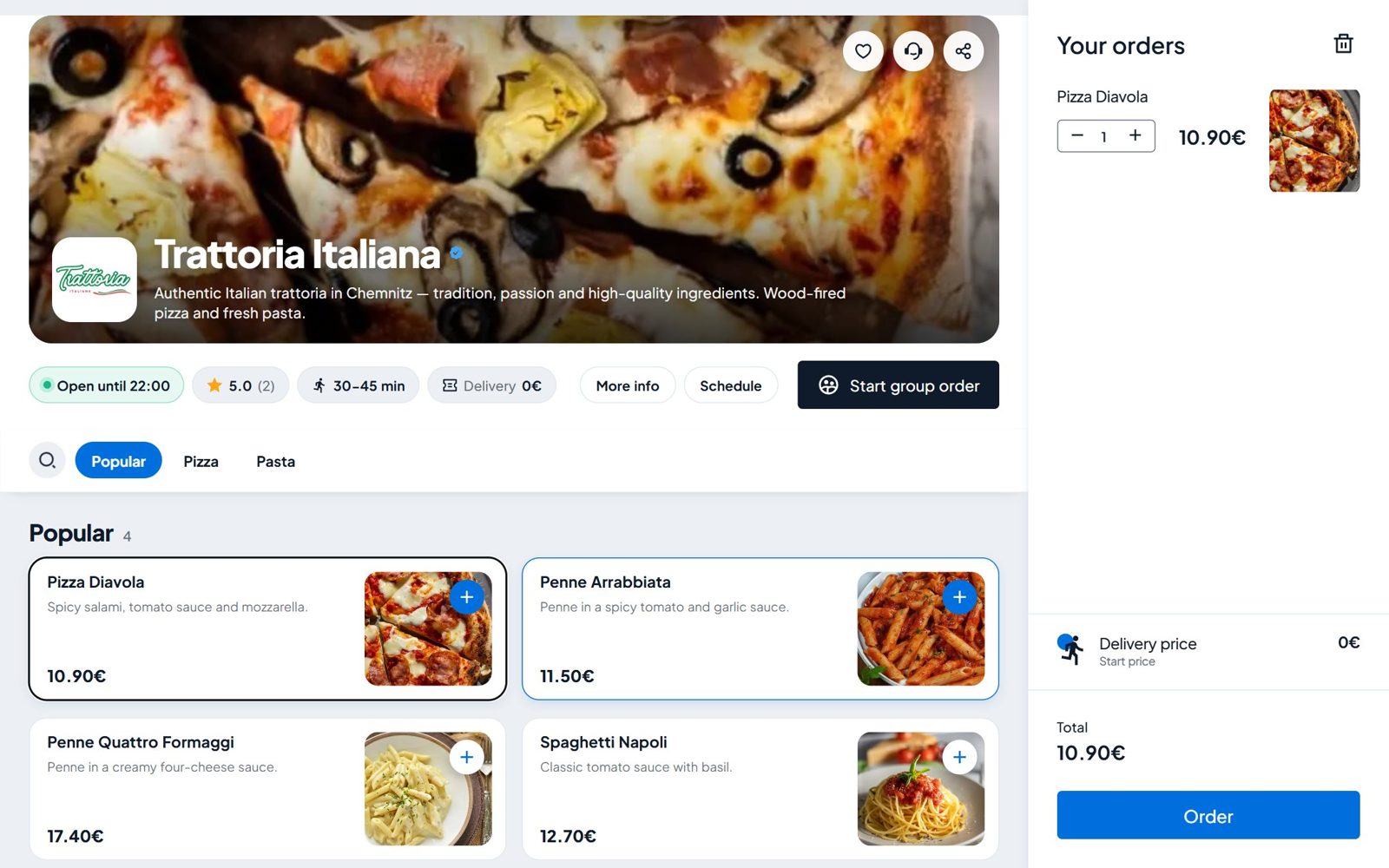
GloriaFood is shutting down: what restaurants should do now
GloriaFood takes no new sign-ups and is due to shut down in 2027. A step-by-step plan to switch without losing orders, and what to look for in a GloriaFood alternative.
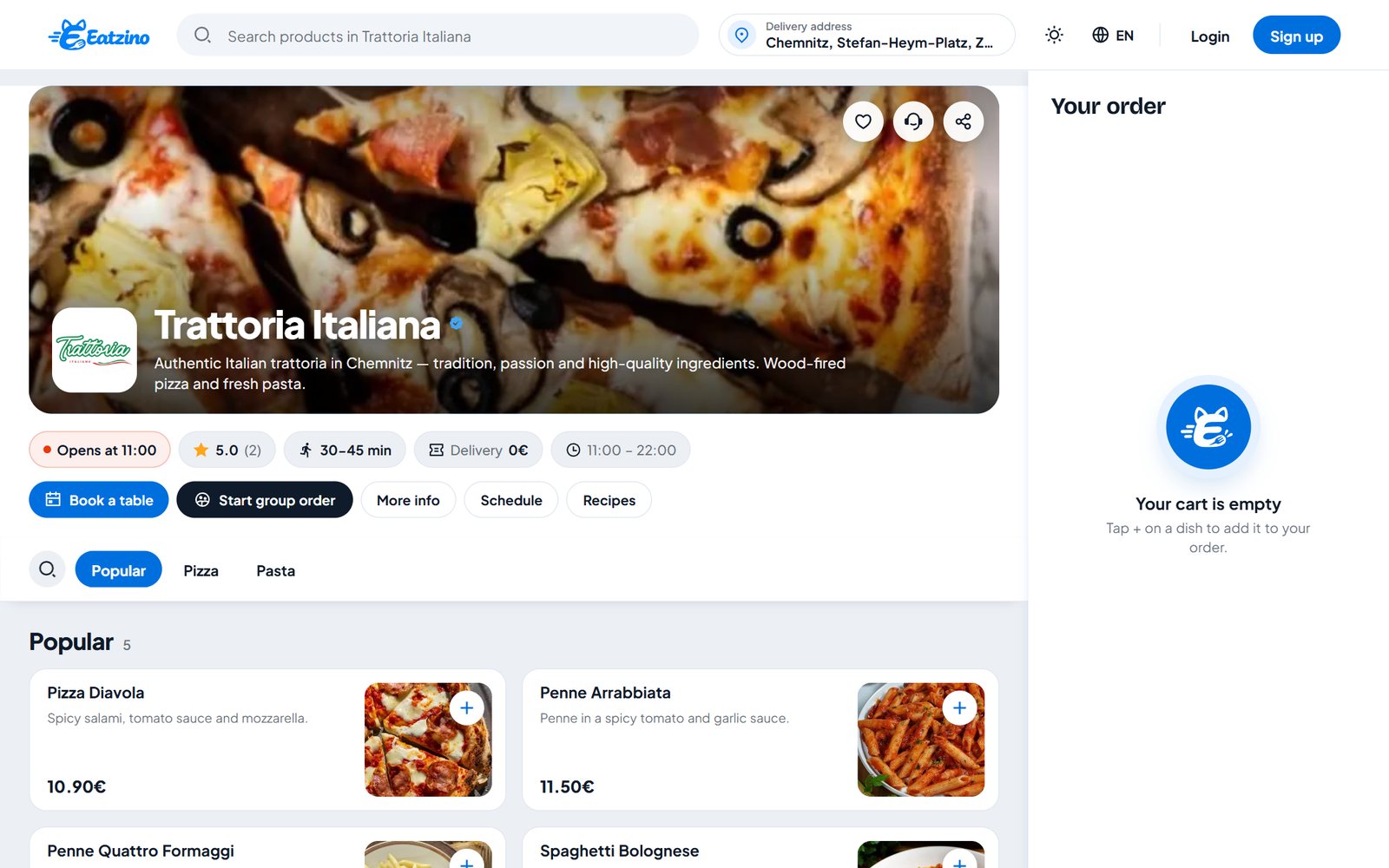
Lieferando, Wolt, Uber Eats or your own ordering system? An honest comparison
Reach, costs, delivery, payment and who owns the guest: how the big delivery marketplaces compare with your own commission-free ordering system – including where we fall short.